
New product release →
The Only App Your Business Needs is Coming Soon!
Elevate your brand with seamless digital signage and social media content, all generated automatically from your existing platforms like Shopify, Uber, DoorDash, and Square. Access to the Palnu app is launching soon—sign up now for exclusive early access!
Everything you need
The most powerful tools for your business
Integrations
Connect Palnu with your existing platforms, like Shopify and DoorDash, to keep your content updated automatically.
Automation
Streamline content creation with automated digital signage and social media posts, saving you time and effort.
Insights
Leverage AI-driven analytics to spotlight your best-performing products and drive customer engagement.
Join The Waitlist
Be the first to experience the power of Palnu! Our app is launching soon, and by joining the waitlist, you’ll secure early access and stay updated on exclusive features.
Helping you focus on what really matters
Palnu simplifies your digital signage and social media, so you can focus on serving your customers and growing your business. Let us handle the content, while you do what you do best.
- Easy to use
- Multiple Integrations
- AI Generators
- Secure platform
Lorem ipsum dolor sit amet, consectetur adipis iquip ex ea Duis autLorem ipsu m adipis iquip ex ea aut
Smart features
All the tools you need
Easy to use
Made for everyone

Designed to use your tools
Already using these platforms to manage your business? Connect Palnu with your existing systems to seamlessly pull in data. Here are some of the integrations we will support.
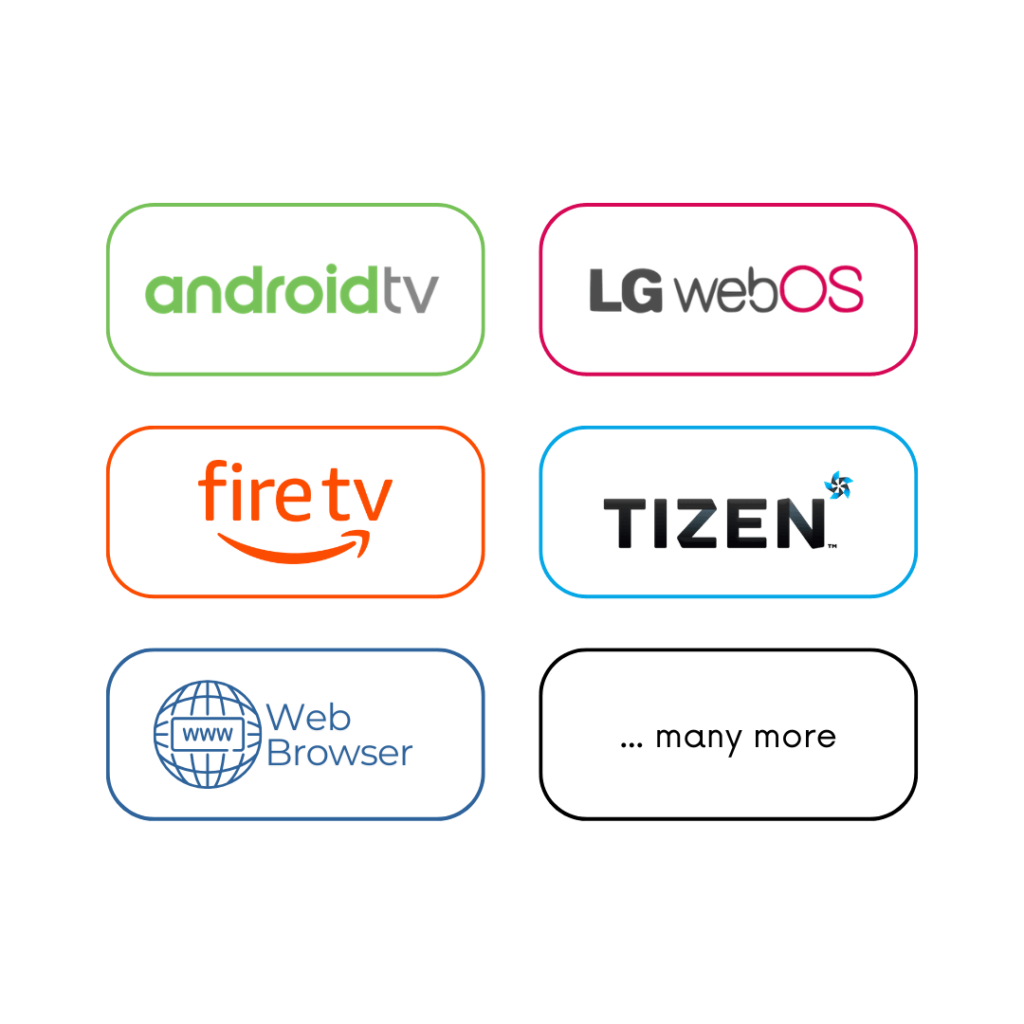
Compatible with all your favourite media players
Setup Palnu with one of the supported media player options we offer. Please note, we currently don’t offer devices.
FAQs
Frequently asked questions
How do I change the site logo?
What version of PHP do I need?
Does this theme require any plugins?
How can I add animations to blocks?
How do I create an FAQ accordion?
How can I display blog posts on the home page?
How can I save user dark mode preferences?
How do I create a child theme?
Question not answered above? Contact us →
Coming In 2025
There has never been a better time than right now.